 China AI Hub
Technology / Computer Use
Computer Use
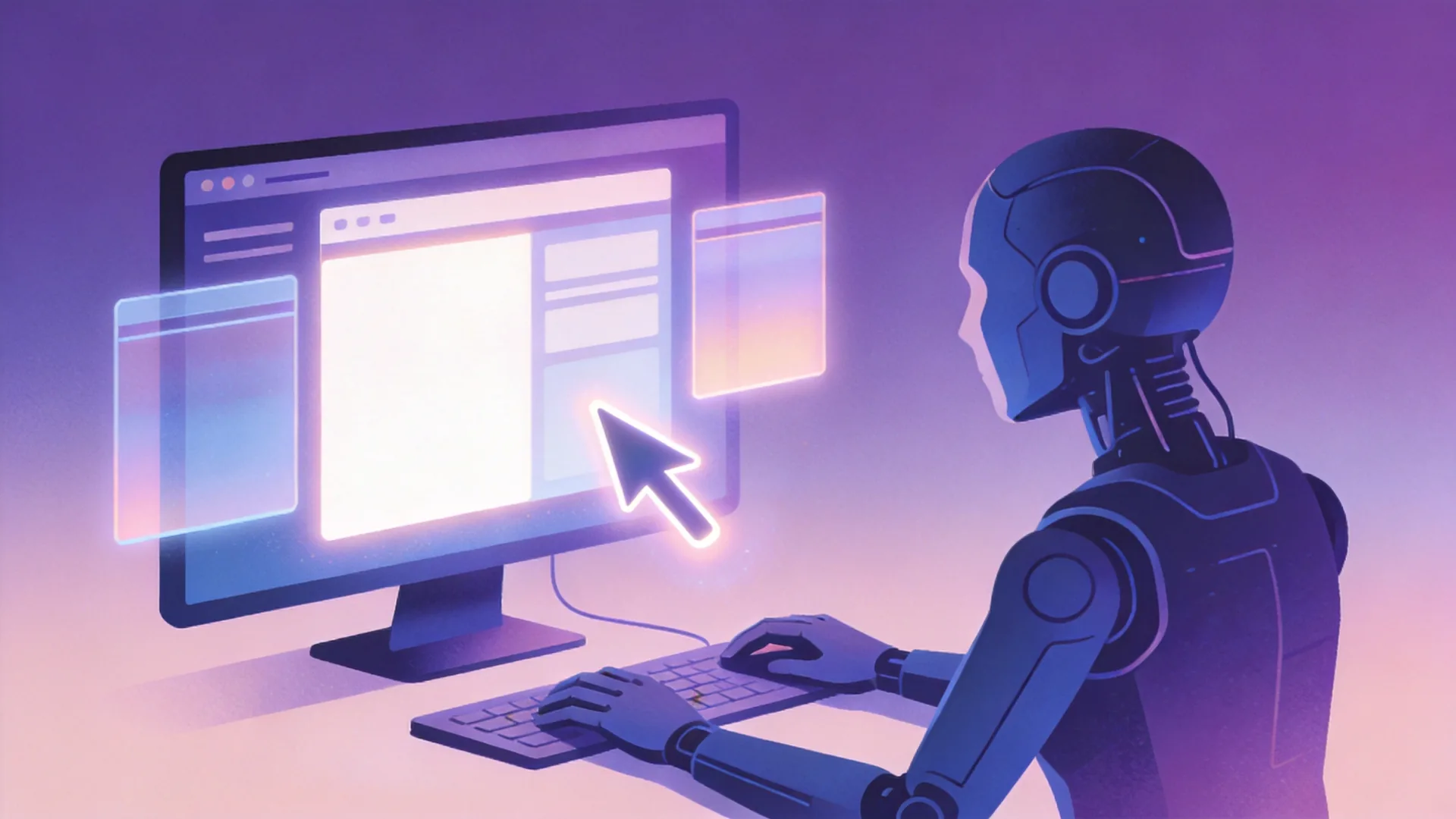
Computer use is a model capability in which the model operates a graphical computer the way a person does — viewing the screen, moving the mouse and typing — enabling it to drive arbitrary software without a custom API.
Technical background
Computer use was popularized by Anthropic in October 2024: instead of APIs, the model receives screenshots and emits mouse coordinates and keystrokes. It reframes GUI automation as a vision-and-action loop, making any software automatable in principle — including legacy applications with no API at all.
How it works
A loop: the environment captures the screen; a multimodal model reasons about the current state; the model emits actions (click at coordinates, type, scroll, keyboard shortcuts); the environment executes them; the screen updates; repeat. Agents add planning and safety layers on top — sandboxes, human approval for sensitive actions, and screenshot-based verification.
Why it matters
Computer use is the generality endgame for automation: one capability covers browsers, office suites, ERP terminals and bespoke internal tools. It also matters as an evaluation and security problem — models that can operate computers can also be misused.
Chinese adoption
Computer use is present at both model and agent layers in the China AI Hub database (last verified 2026-09-22). Models listing it: Doubao Seed 2.1 Pro (and Turbo/Evolving) and GLM-5.3-Flash. Agents listing it: AutoGLM (Zhipu AI), DeepSeek Harness, Kimi Code, MiniMax Code, Qwen Code, Qoder and Doubao App (which ships a computer-use “Work” mode). That is seven of the ten tracked agents.
Major Chinese companies and models
- ByteDance — Doubao Seed 2.1 Pro lists computer use; Doubao App exposes it as the “Work” virtual-desktop mode.
- Zhipu AI — GLM-5.3-Flash lists computer use; AutoGLM is an open agent built around GUI operation.
- Moonshot AI / MiniMax / Alibaba / DeepSeek — Kimi Code, MiniMax Code, Qwen Code, Qoder and DeepSeek Harness all list computer use.
Practical applications
Back-office automation (data entry across legacy systems), end-to-end web tasks (forms, reservations, filings), GUI testing, and desktop assistant workflows.
Limitations
Slow and token-hungry (screenshots every step); brittle on pixel-level precision and dynamic UIs; risk of destructive actions; accessibility and security concerns. Capability labels are vendor-reported unless independently evaluated.
Deployment considerations
Run in isolated VMs or sandboxes; add human approval for writes, payments and sends; log screenshots for audit; and start with read-only observation tasks before granting action permissions.
Future development
Expect tighter integration with browser automation, shared computer-use benchmarks, and OS-level agent sandboxes becoming a standard product category.